Android app · tablet, phone and TV
Your music deserves a screen
Put a spare tablet, phone or TV next to your amplifier and Beside Hifi turns it into the now playing display your hifi never had: big album art, the song, the artist and the album, readable from the sofa, in a style that matches your system.
Android For Android tablets, phones and Android TV, Android 8 or newer. Not on iPhone or iPad yet.

Three ways to use it
Beside shows what's playing, beautifully
Play music on the tablet itself
Beside Hifi shows and controls the music apps you already use: Spotify, TIDAL, Qobuz, Apple Music, YouTube Music and most other players on the device.
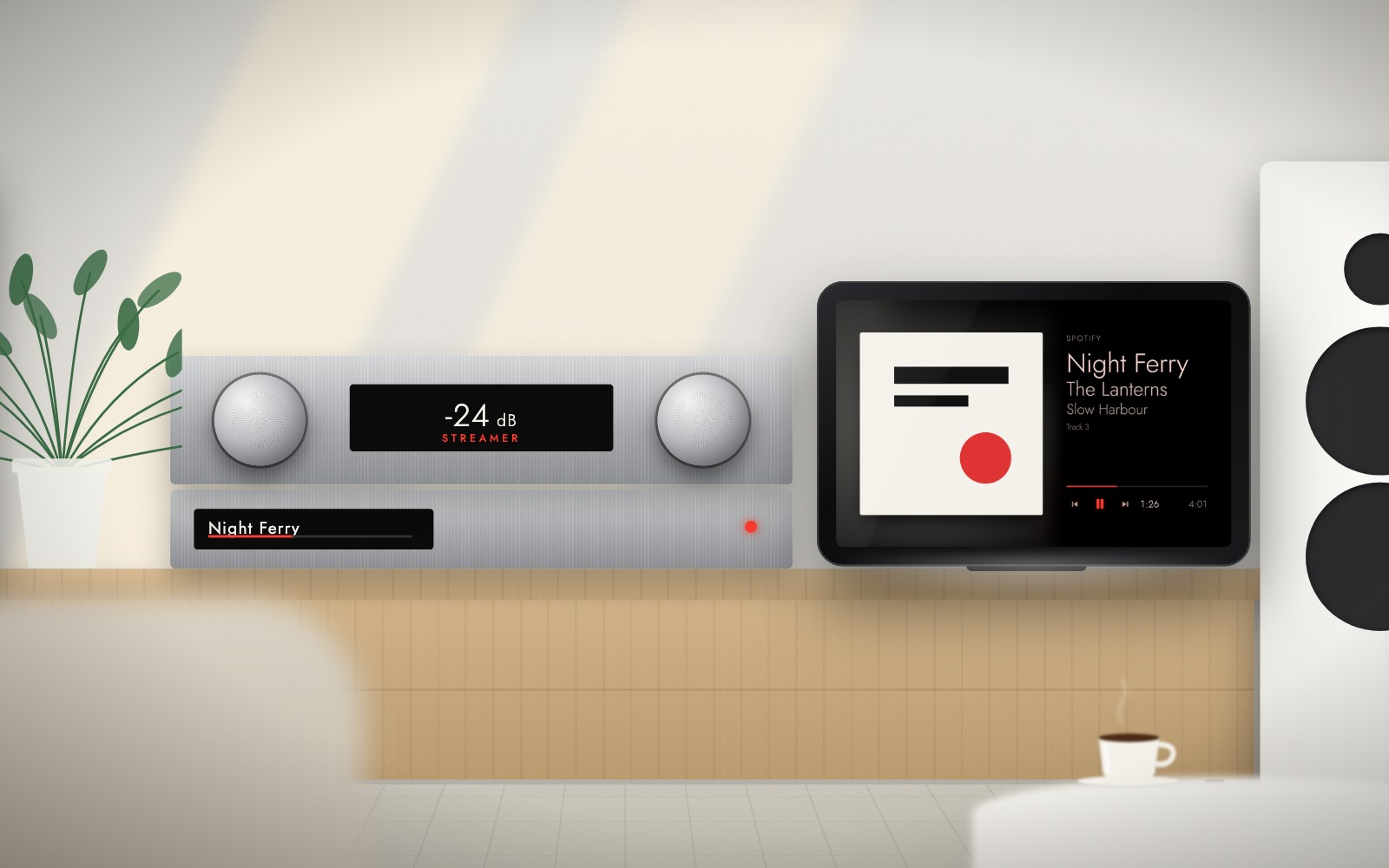
Play music on your streamer
Have a WiiM? Beside Hifi finds it on your wifi and becomes the WiiM display you were missing, with the format and the input it reports.
Control it from the sofa
No streamer? Put Beside Hifi on two devices. One plays the music by your stereo, the other is your remote, whatever music app is playing.
Beside Hifi doesn't play music itself and doesn't change your sound. It works with your streamer and amplifier, it doesn't replace them. See which ones are supported.
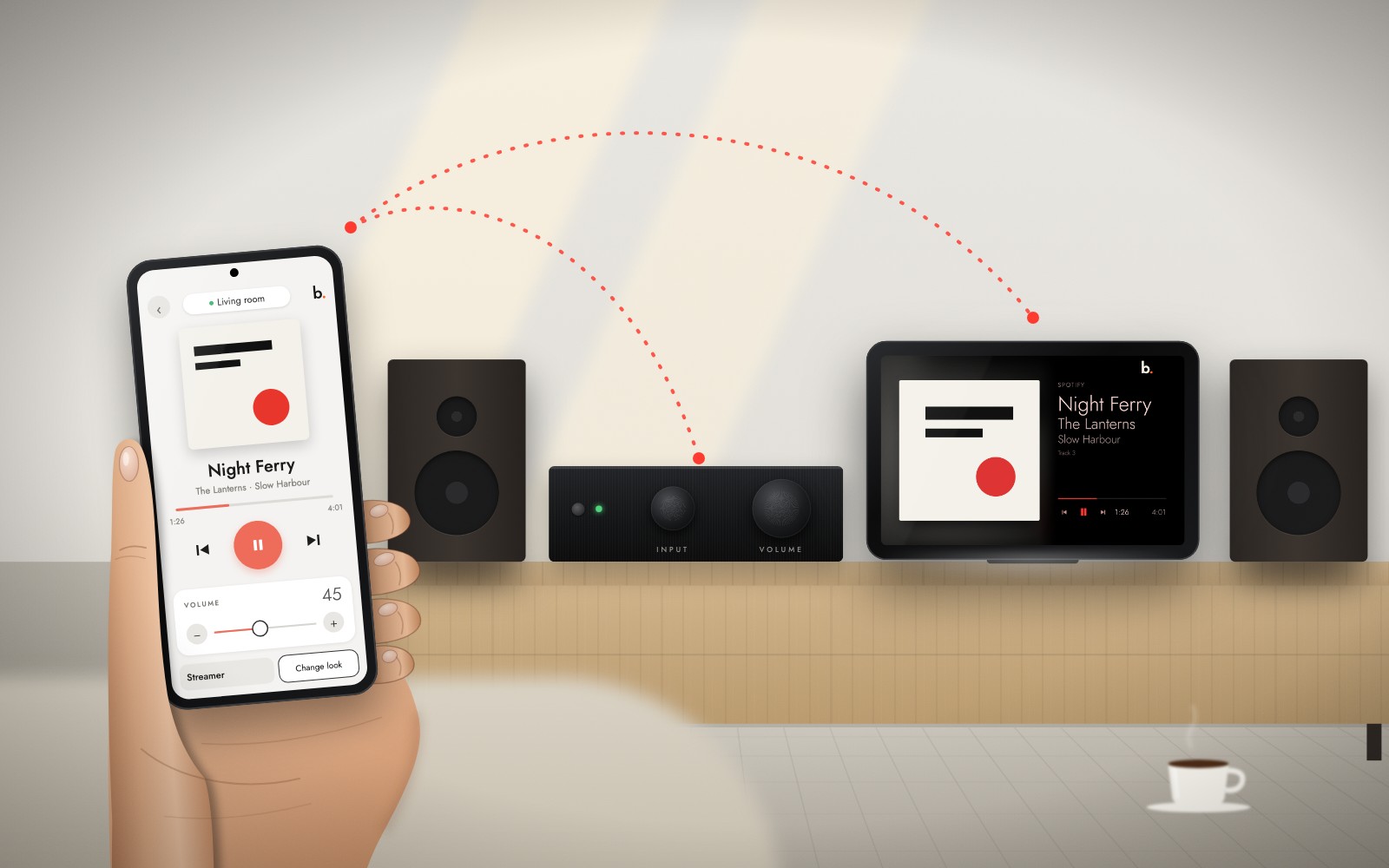
Tablet on the amp, phone on the sofa
Your phone becomes its remote
Put Beside Hifi on both. The tablet next to your amplifier is the display; your phone is the remote. With a supported streamer or amplifier, Beside talks to it over your wifi. No cable, no extra box.
- Pause, skip and go back
- Volume, also with your phone's own volume buttons
- Inputs, mute and standby of a supported amplifier
- Start an album from Daily picks or Musicians on the tablet
- Pick a radio station and zap to the next one
- Change the look of the big screen
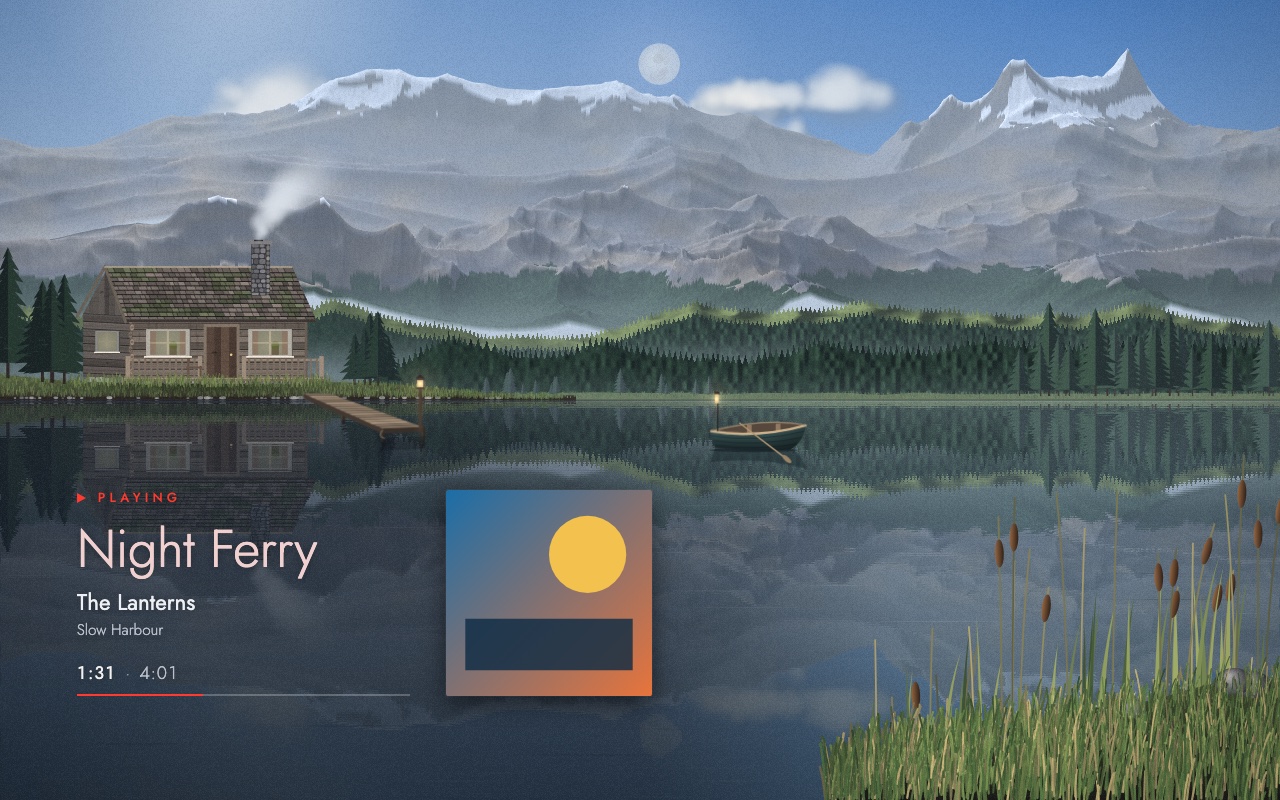
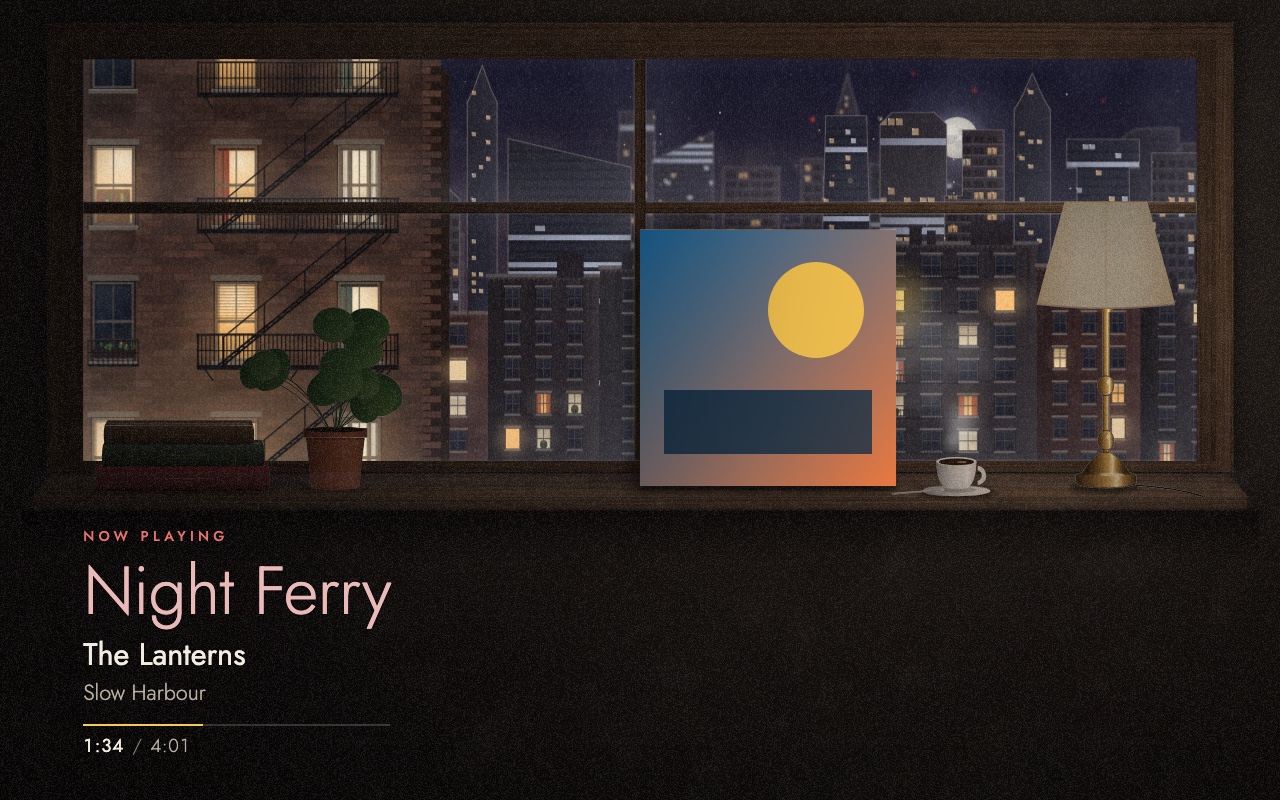
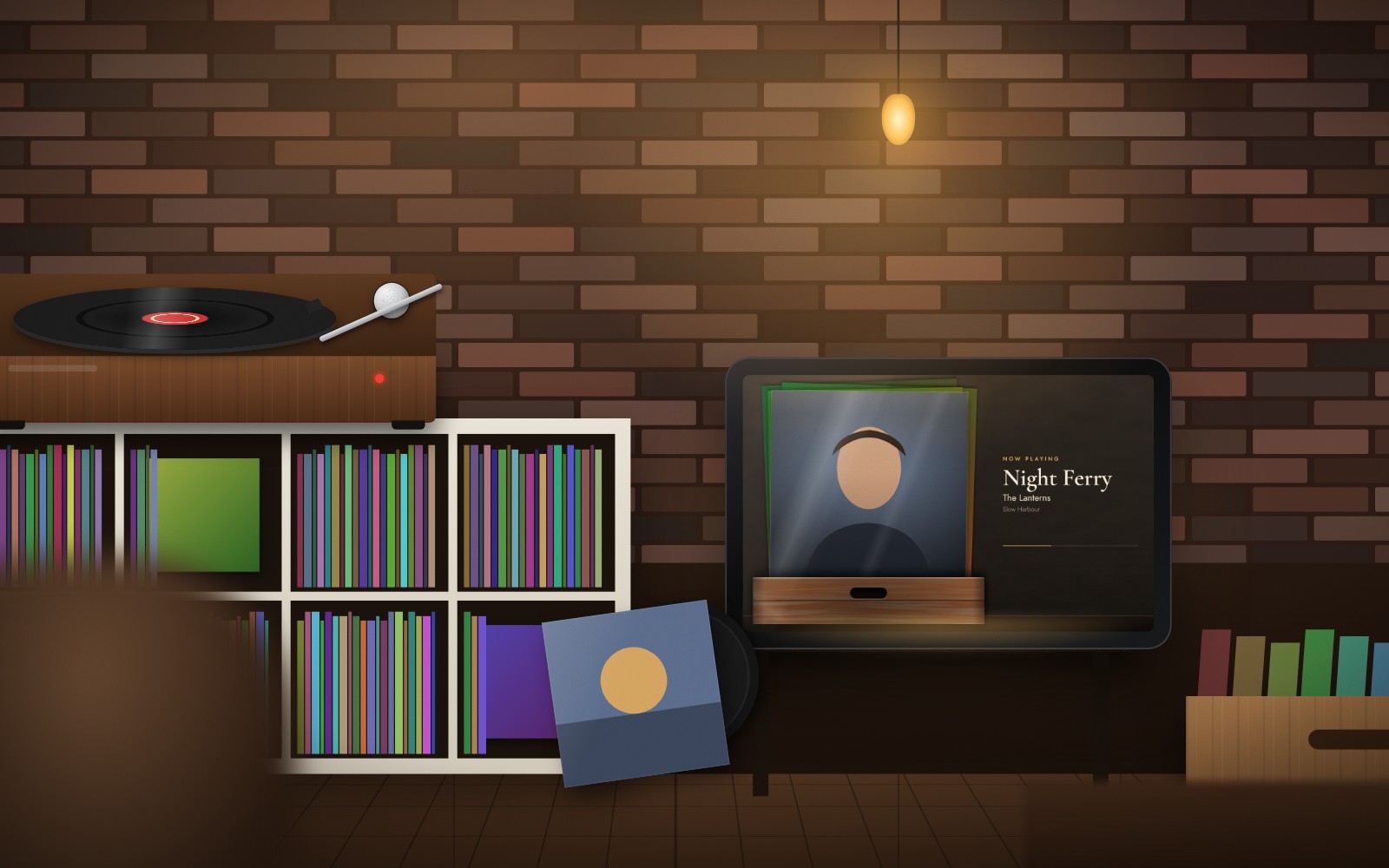
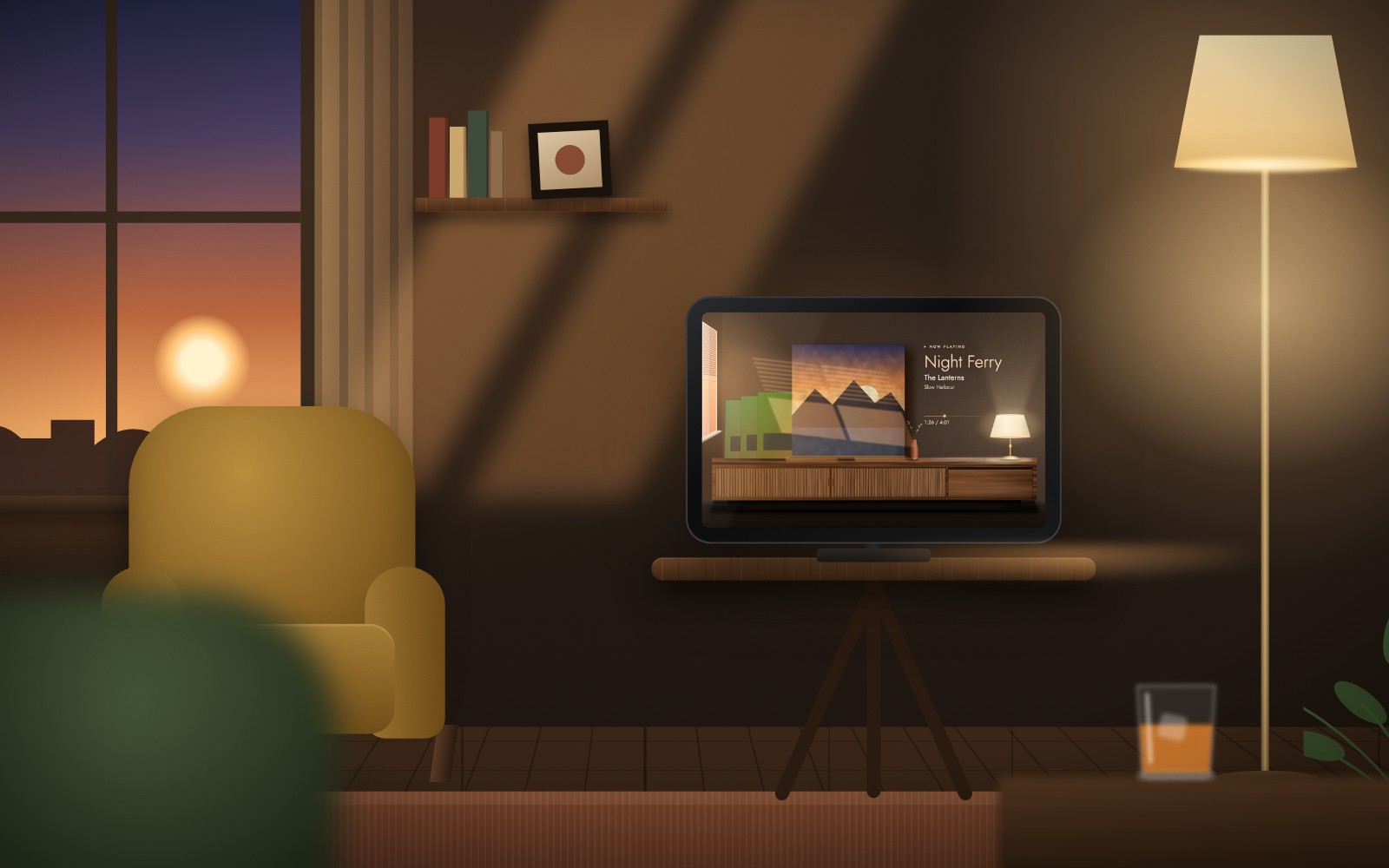
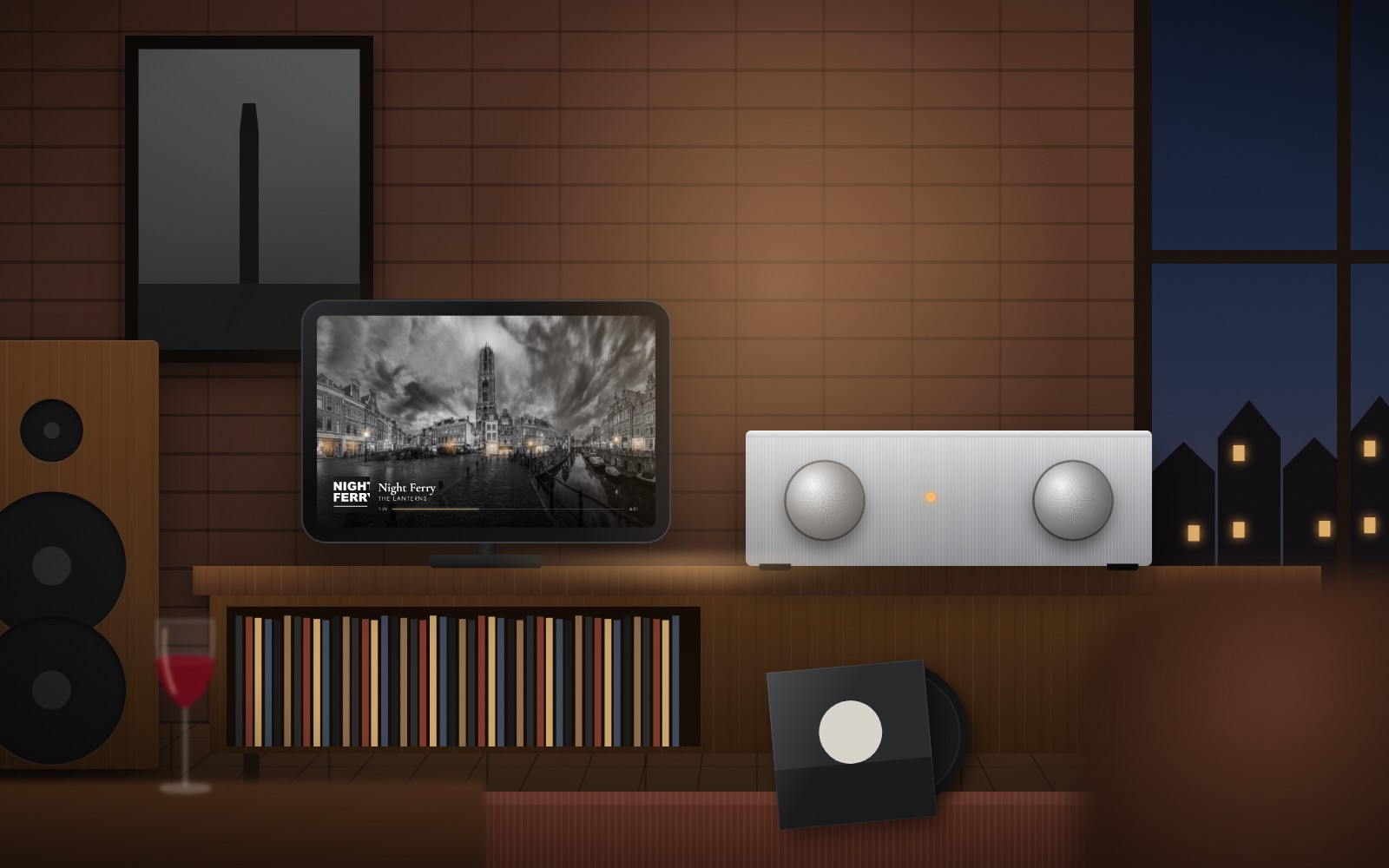
A look for every room
One track, a different room every evening
From a vintage receiver to living worlds that follow the time of day and your real weather. Fine-tune any look and keep up to eight favourites.
More than a title and a cover
The album, the musicians, your listening
Album card
Year, label and the album credits: the musicians who played on the record. Daily picks to discover, and other records by the people on this one.
Your listening
Your music stats from every app you play, not only one service: hours, top albums and artists of the week, the month and the year. It stays on your device.
Made to stay on
An always-on display that dims gently when the music pauses, sleeps after a while and wakes up with the next song.
Compatible with
What works today, and what we still have to prove
We test every change against a simulated device of each brand. A real device can still behave differently, so we say which is which.
Proven on the real device
- Spotify
- TIDAL
- Qobuz
- Apple Music
- YouTube Music
- WiiM Mini
- Chromecast and Google TV
Built, waiting for a test unit
- WiiM Pro and Amp
- Argon (Chromecast built-in)
- Sonos
- Denon / Marantz (HEOS)
- Bluesound / NAD (BluOS)
- Yamaha (MusicCast)
- Cambridge Audio (StreamMagic)
- Naim (Uniti, Mu-so, NDX)
- Open standard (UPnP/DLNA) and OpenHome (Linn and others)
- and 16 more